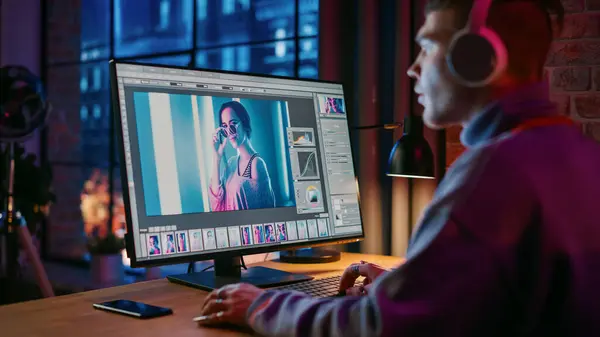
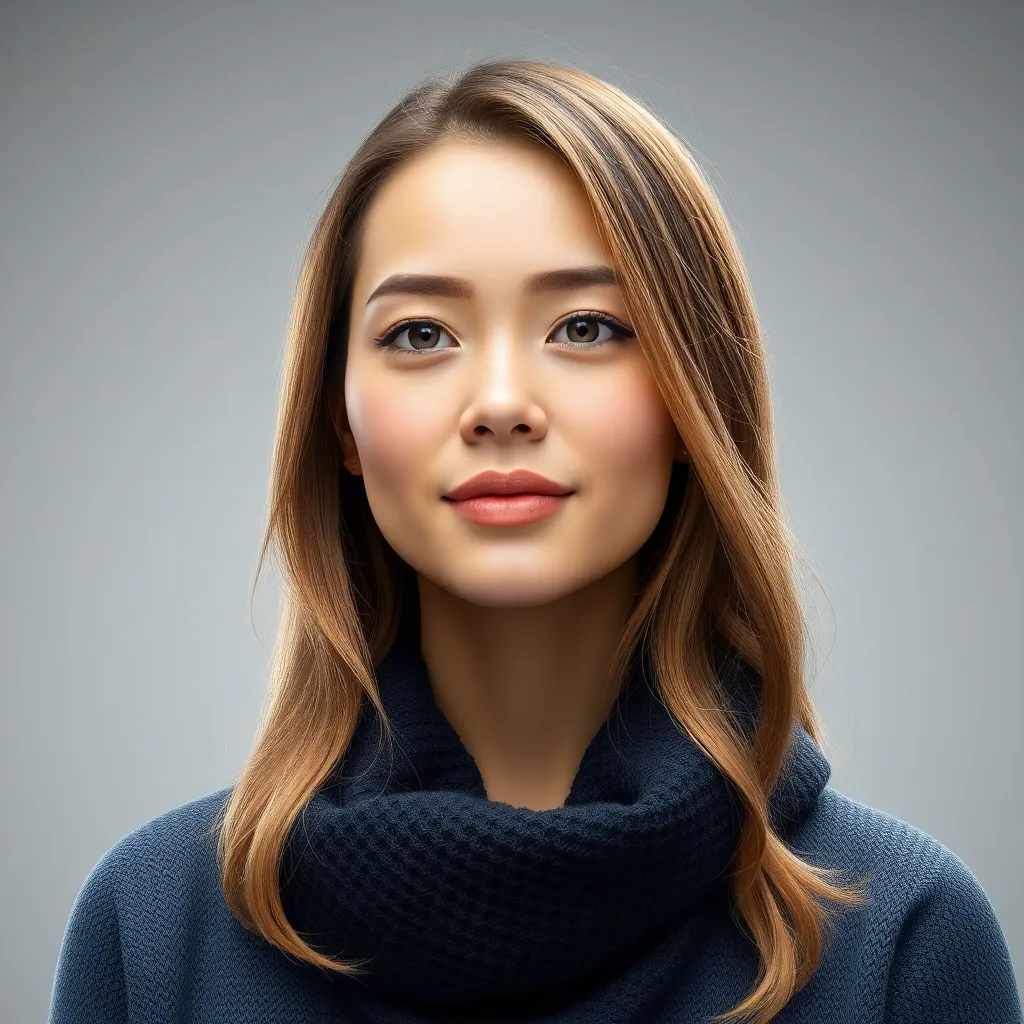
Photo editing used to begin with a practical question: which tool should I use?
You might reach for a selection tool to isolate an object, adjust several sliders to change the lighting, or spend time carefully masking a background. AI is starting to change that process. In many newer workflows, users can begin by simply describing what they want the image to look like.
Google’s original Nano Banana model, officially known as Gemini 2.5 Flash Image, helped bring this prompt-led approach into wider use. Similar workflows are now appearing across creative platforms, allowing people to edit existing images, test variations, and refine specific details through written instructions.
Here are 10 ways this shift is changing everyday image editing.
Table of Contents
Toggle1. Editing Can Begin With a Simple Instruction
Instead of finding the right control for every adjustment, users can increasingly describe the result they want. An instruction might ask for warmer lighting, a cleaner background, or a different setting while keeping the main subject unchanged.
2. Specific Parts of an Image Can Be Changed
AI editing is becoming more useful for targeted changes. Rather than rebuilding an entire image, a user can identify one object, colour, background element, or area that needs adjustment.
CapCut’s guidance around Nano Banana-related workflows, for example, recommends clearly naming the element that should change and stating which surrounding details should remain untouched.
3. Background Editing Requires Less Manual Selection
AI-assisted workflows can reduce some of that manual work by interpreting the subject and its surroundings. This makes it easier to experiment with cleaner backgrounds, new environments, or different visual contexts, although complex edges still need to be checked carefully.
4. Creators Can Preserve a Subject While Changing the Scene
One of the more useful developments in newer image models is improved consistency across edits. Google has highlighted Nano Banana’s ability to retain the recognizable appearance of people or pets while changing outfits, poses, lighting, or surroundings. For creators, that means an existing subject can remain central while the wider visual idea changes around it.
5. Existing Photos Can Become Starting Points
AI image editing is not limited to generating something completely new. Users can upload a photo, sketch, product image, or other reference and use it as the basis for further changes.
People exploring this type of workflow may encounter options connected with searches such as the Nano Banana 2.5 photo editing tool. In practice, the useful idea is reference-led editing: begin with an existing visual, describe the desired change, and review whether important details have been preserved.
6. Different Visual Styles Are Easier to Explore
A creator may want to see how the same idea looks as a realistic photograph, illustration, poster-style visual, or something more stylised.
AI makes this type of experimentation quicker because the original concept does not always need to be rebuilt from the beginning. Different directions can be compared before deciding which one deserves more detailed work.
7. Multiple Images Can Be Combined More Easily
Newer AI editing models can also work with more than one visual reference. Google has demonstrated Nano Banana workflows that combine images while attempting to maintain recognizable subjects and important characteristics.
8. Composition Can Be Adjusted More Flexibly
AI can help creators rethink an image rather than simply correct it. A composition might need more empty space for a headline, a different crop for social media, or additional surrounding detail for a wider layout.
Generative workflows can help extend or reinterpret parts of the image, giving creators more freedom to adapt one visual for different formats. The newly generated areas still need inspection for texture, lighting, and perspective consistency.
9. Experimentation Takes Less Effort
Perhaps the biggest practical change is how easy it has become to compare alternatives.
A user can try different lighting, backgrounds, styles, object placements, or colour directions without committing to each version as a finished edit. That encourages experimentation earlier in the process, when changing direction is usually easier.
The goal, however, should not be to generate endless variations. Each change should help answer a visual question.
10. Human Review Matters More Than Ever
AI may make editing more accessible, but it does not guarantee an accurate result. Generated or altered images can still contain inconsistent details, strange text, changed objects, or unwanted differences from the source.
Before using an edited image, it is worth checking:
- Whether important subjects remain recognizable;
- Whether text, logos, and product details are correct;
- Whether lighting and perspective remain consistent;
- Whether anything outside the requested area has changed.
Conclusion
AI is changing image editing from a process centred mainly on individual tools and manual controls into one that can also begin with intent. Users can describe changes, work from reference images, test different styles, and explore alternative compositions with less friction.
The technology does not remove the need for editing skills or careful judgment. What it does change is how quickly people can move from “What tool do I need?” to “What do I want this image to become?”